DMVariableBlurView Swift SDK
- Type
- Open-source Swift SDK
- Public since
- 10/2025
- Platform
- iOS 17+
- Language
- Swift 6.0+
- UI
- SwiftUI, UIKit
- Install
- Swift Package Manager, CocoaPods
- License
- MIT
- Source
- GitHub
Overview
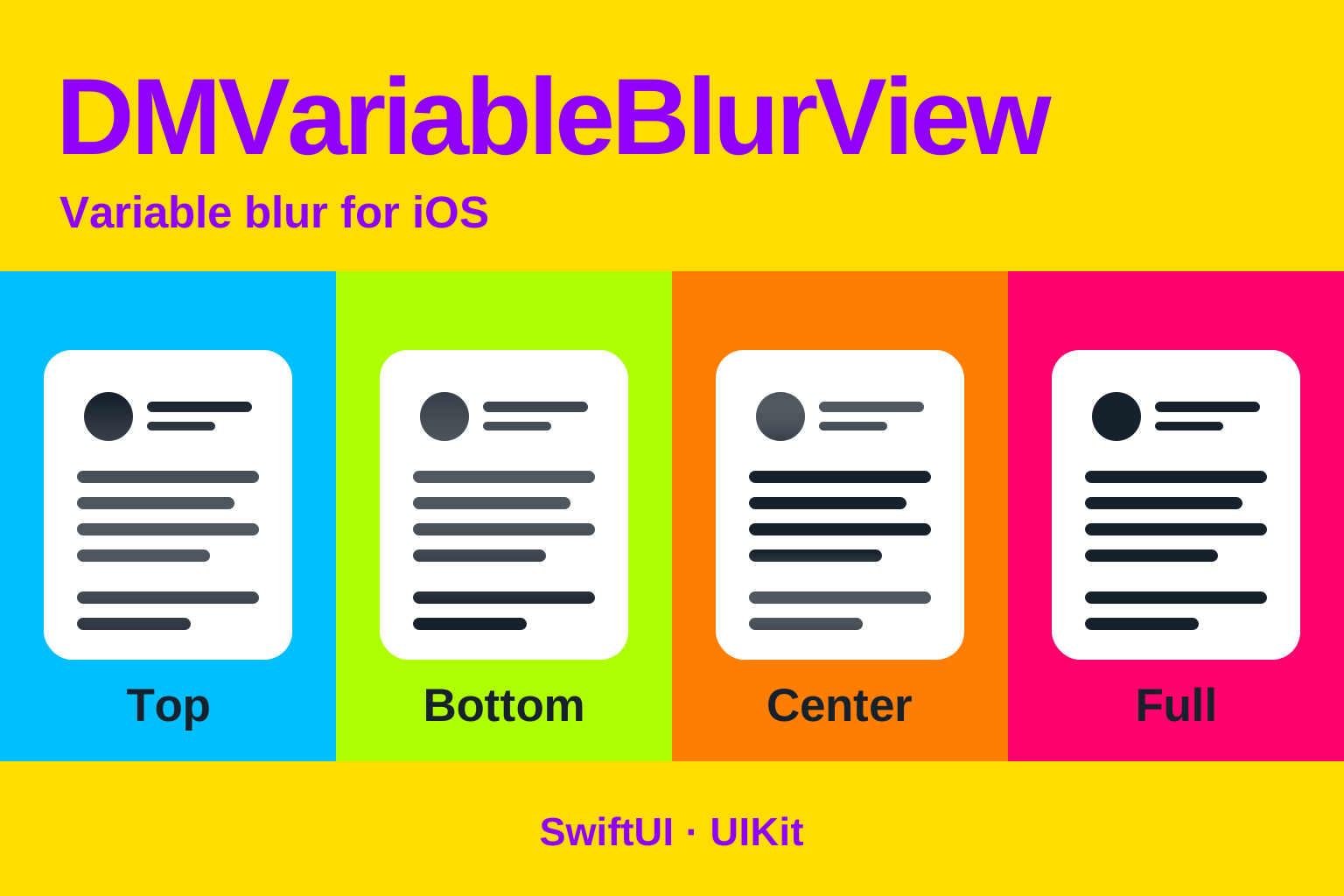
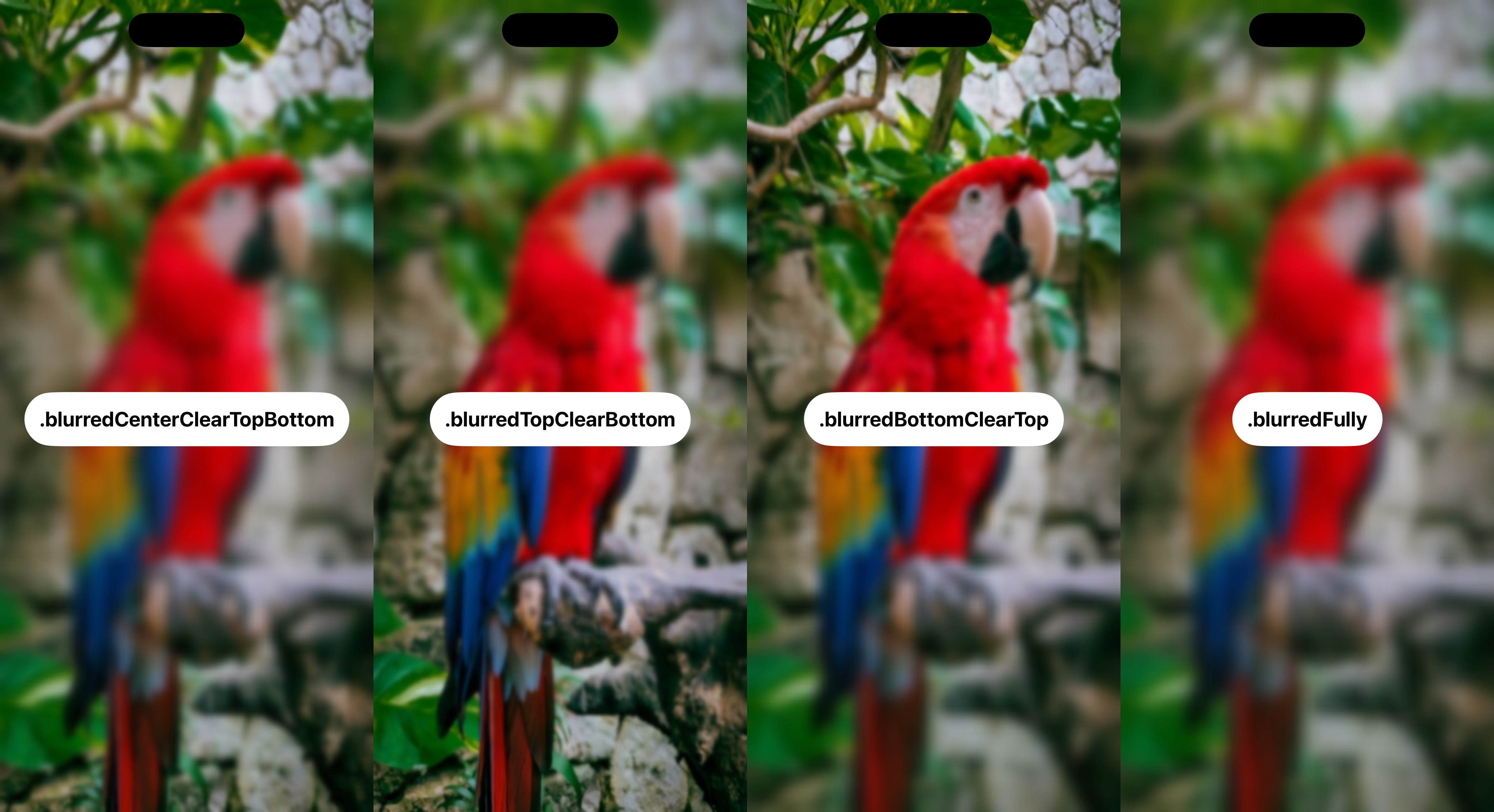
DMVariableBlurView blurs the content behind a view with a radius that varies across its height. A gradient can soften the top or bottom edge, blur a band through the center, or apply uniform blur across the whole view.
The package extends jtrivedi’s VariableBlurView and nikstar’s VariableBlur. My version adds center-band and full blur modes, configuration validation, error reporting, and fallback handling. DMUnLoader uses it behind its HUD.
Key features
- Four blur modes: top, bottom, center band, and full.
- Configurable maximum radius, fade offset, and center-band height.
- SwiftUI and UIKit entry points, with configuration updates on an existing view.
- Validation of invalid values and a system-blur fallback when the variable effect is unavailable.
- Support for the system’s Reduce Transparency setting.
Example
A blur at the top of a scrolling article, with hit testing disabled so the overlay does not intercept touches:
import DMVariableBlurView
import SwiftUI

struct ArticleView: View {
    var body: some View {
        ZStack(alignment: .top) {
            ScrollView {
                Text("The text of a long article.")
                    .padding()
            }
            DMVariableBlurView(maxBlurRadius: 12, direction: .blurredTopClearBottom)
                .frame(height: 120)
                .ignoresSafeArea(edges: .top)
                .allowsHitTesting(false)
        }
    }
}
Integration considerations
The effect uses the system’s private CAFilter / variableBlur implementation. Runtime checks and fallback behavior do not make it a public API or guarantee App Store acceptance. See the repository’s Private API section before choosing it for an app.
Installation
Swift Package Manager:
.package(url: "https://github.com/nikolay-dementiev/DMVariableBlurView.git", from: "1.1.0")CocoaPods, version 1.1.0:
pod 'DMVariableBlurView', '1.1.0'